Boost Productivity with Smart Integrations
Connect M SIGN with your favorite tools to simplify processes, boost productivity, and automate document workflows – from cloud platforms to identity systems and signature devices.
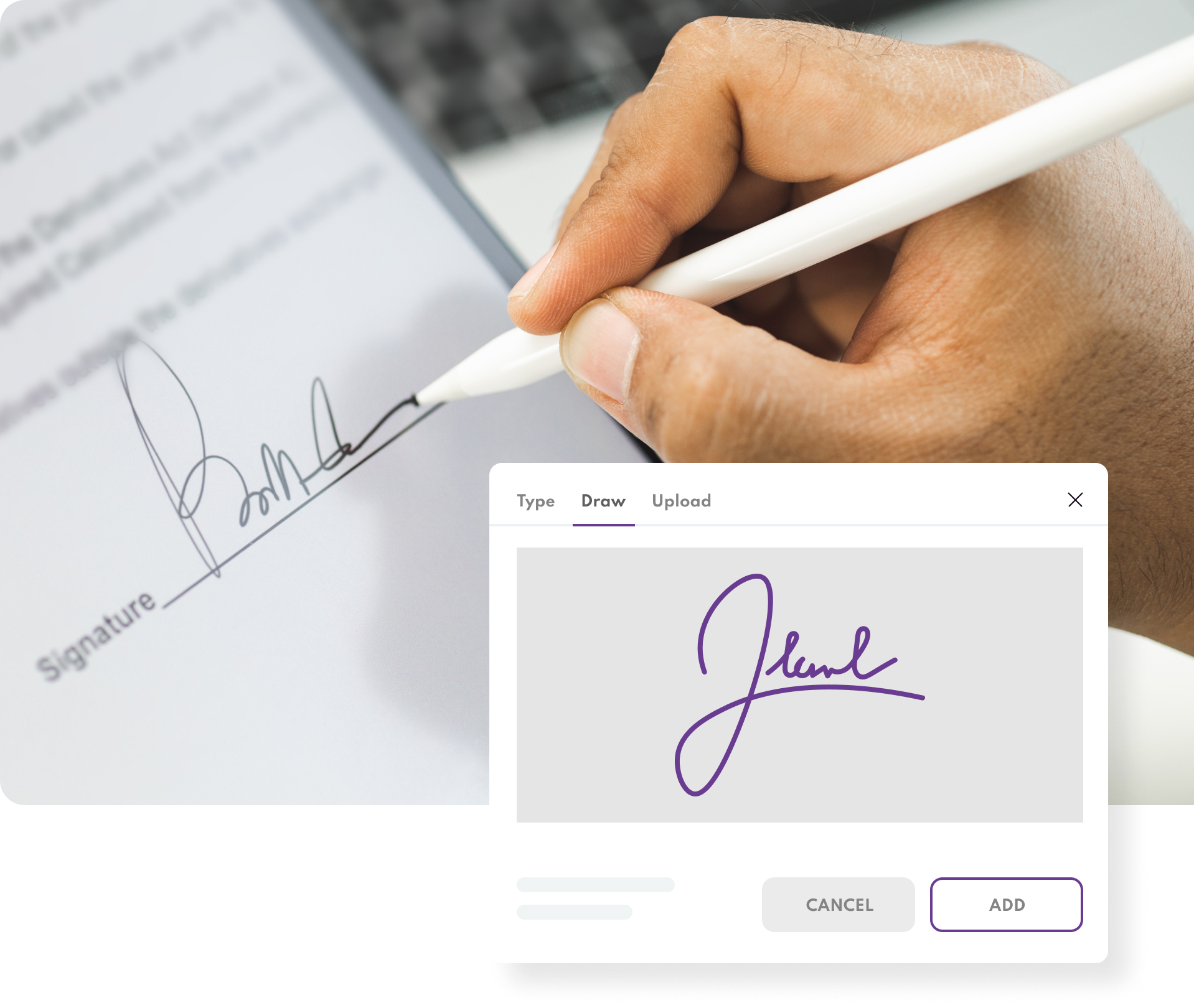
Integrate M Sign with other solutions
REST API
M SIGN RESET API Swagger Documentation and changelog.
Add-ons and integrations
Hold information about M SIGN add-ons and integrations with external systems.
Example Integrations
Set of M SIGN integrations examples.
Google Workspace
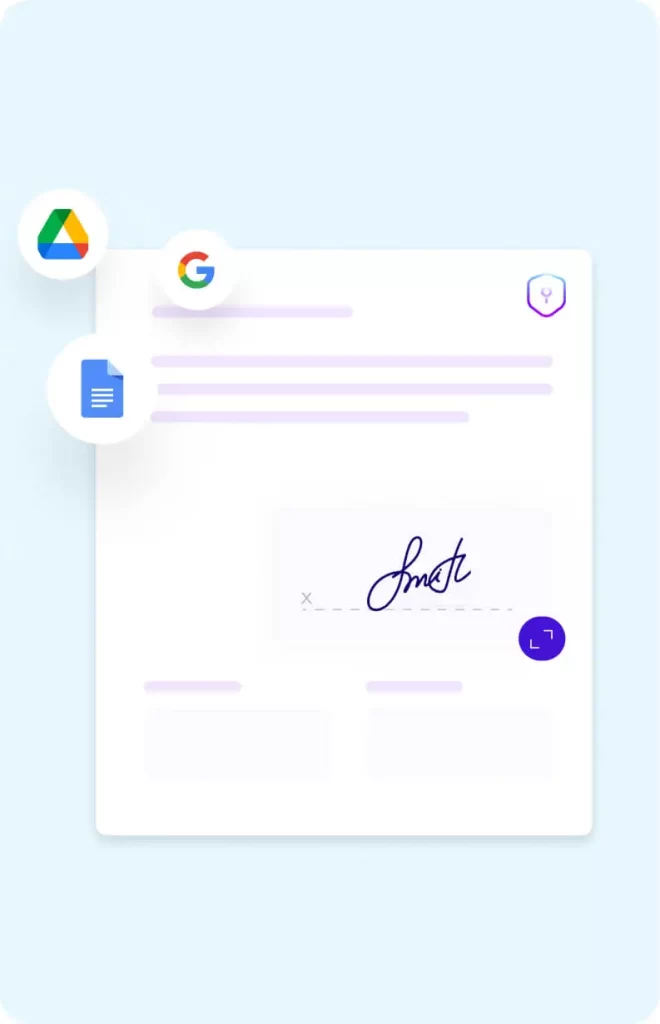
Boost productivity by integrating M SIGN with Google Docs, Sheets, and Slides. Send files directly for signing, track activity, and ensure all documents are securely stored and certified within M SIGN.
-
Send Google Docs, Sheets, and Slides directly to M SIGN
-
Certify and seal documents with legally recognized signatures
-
Save signed copies in PDF or Word format with full traceability
Microsoft SharePoint
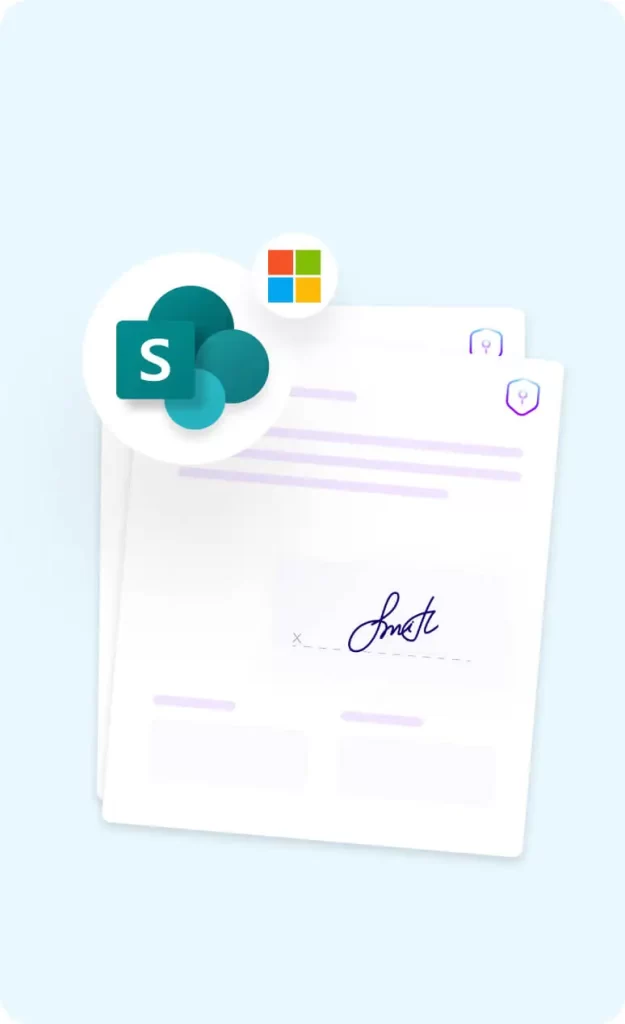
Connect M SIGN with your Microsoft SharePoint environment to streamline document signing, storage, and collaboration – all without switching platforms. Whether you need to fetch contracts, sign them, or return them to SharePoint automatically, this integration keeps everything in sync.
-
Bi-directional integration with SharePoint libraries
-
Direct signing from and saving to SharePoint
-
Ideal for large teams and enterprise workflows
Microsoft Office 365, Outlook, Teams & OneDrive
Enhance collaboration and reduce manual steps with Microsoft 365, Outlook and OneDrive integration. View, edit, and sign Office documents directly within M SIGN and streamline document movement between systems.
-
View and edit MS Office files directly in M SIGN
-
Sync documents with OneDrive for easy access and archiving
-
Prepare and sign contracts without scanning or emailing

Dropbox
Easily import documents from Dropbox into M SIGN for signing and export completed files back to your cloud folder. With just a few clicks, you can keep your cloud storage and eSigning workflows fully synchronized.
-
Import/export files directly from/to Dropbox
-
Easy account linking for instant access
-
Great for freelancers, small teams, and remote work

eDocs (Collaborative Documents)
Powered by Collabora Online, eDocs brings real-time document editing and collaboration to M SIGN – while ensuring full control over your data. Designed for privacy-conscious organizations, eDocs supports both cloud and on-premise deployments, helping you stay compliant with local data residency requirements.
-
Create, edit, and collaborate on documents within M Sign
-
Maintain data sovereignty with cloud or on-premise hosting
-
Ideal for businesses needing privacy-first, real-time editing
Wacom Signature Pads: Hardware-Backed Signing Experience
Support real-time, physical eSignatures with Wacom signature pads -ideal for front-desk or customer-facing environments. Capture biometric signature data and sync it directly into M SIGN for audit-ready, legally binding records.
-
Real-time in-person signature capture
-
Compatible with multiple Wacom devices
-
Integrated with M SIGN workflows and archiving
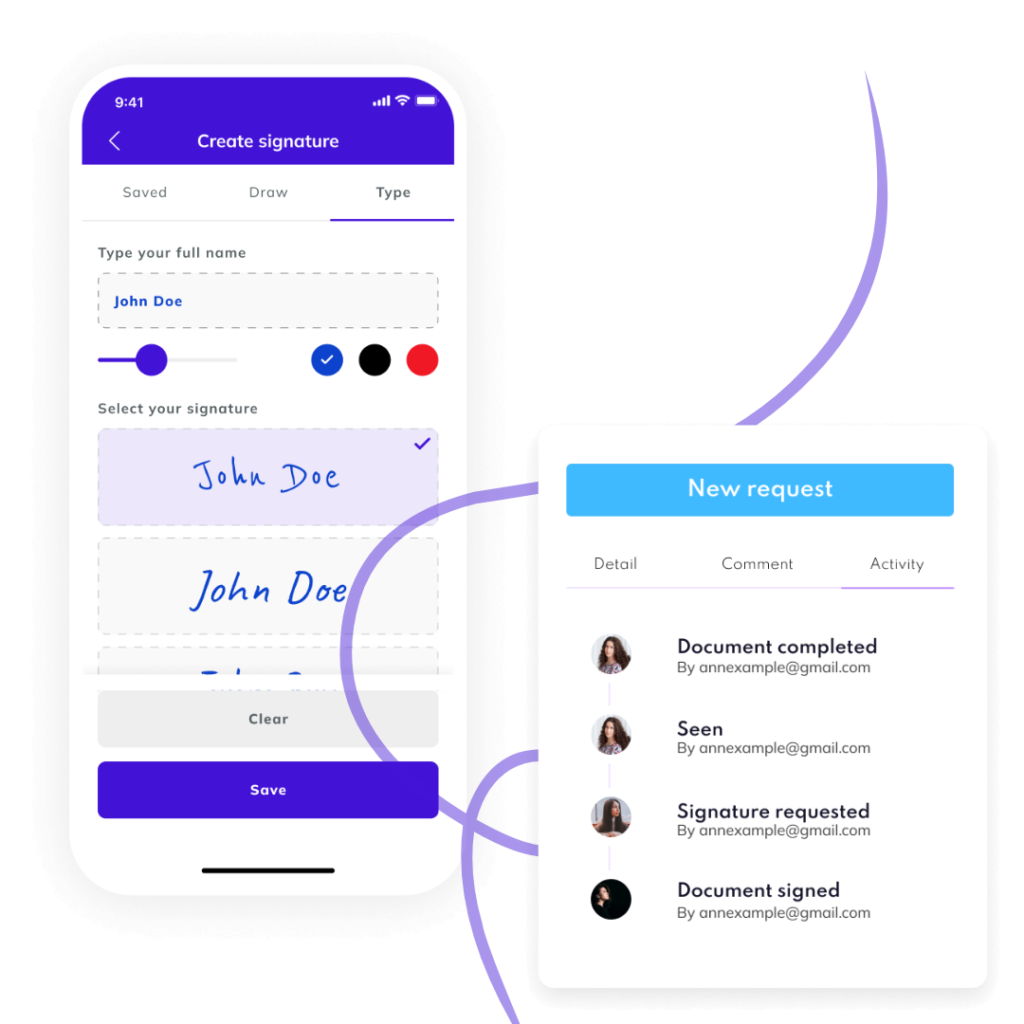
Integrate M Sign with other solutions
Extend M SIGN’s functionality and connect it with virtually any system using our comprehensive REST API. Whether you’re looking to automate document workflows, integrate with your internal tools, or embed M SIGN’s capabilities into your own solution, our developer-friendly platform gives you full control to build what you need.